For organisers
Set up a Spons
From download to team code in a few minutes.
- 1
Download the app
Download Sideline: Spons and tap “Start a fundraiser for a team”.

 Or use spons.sideline.no in your browser.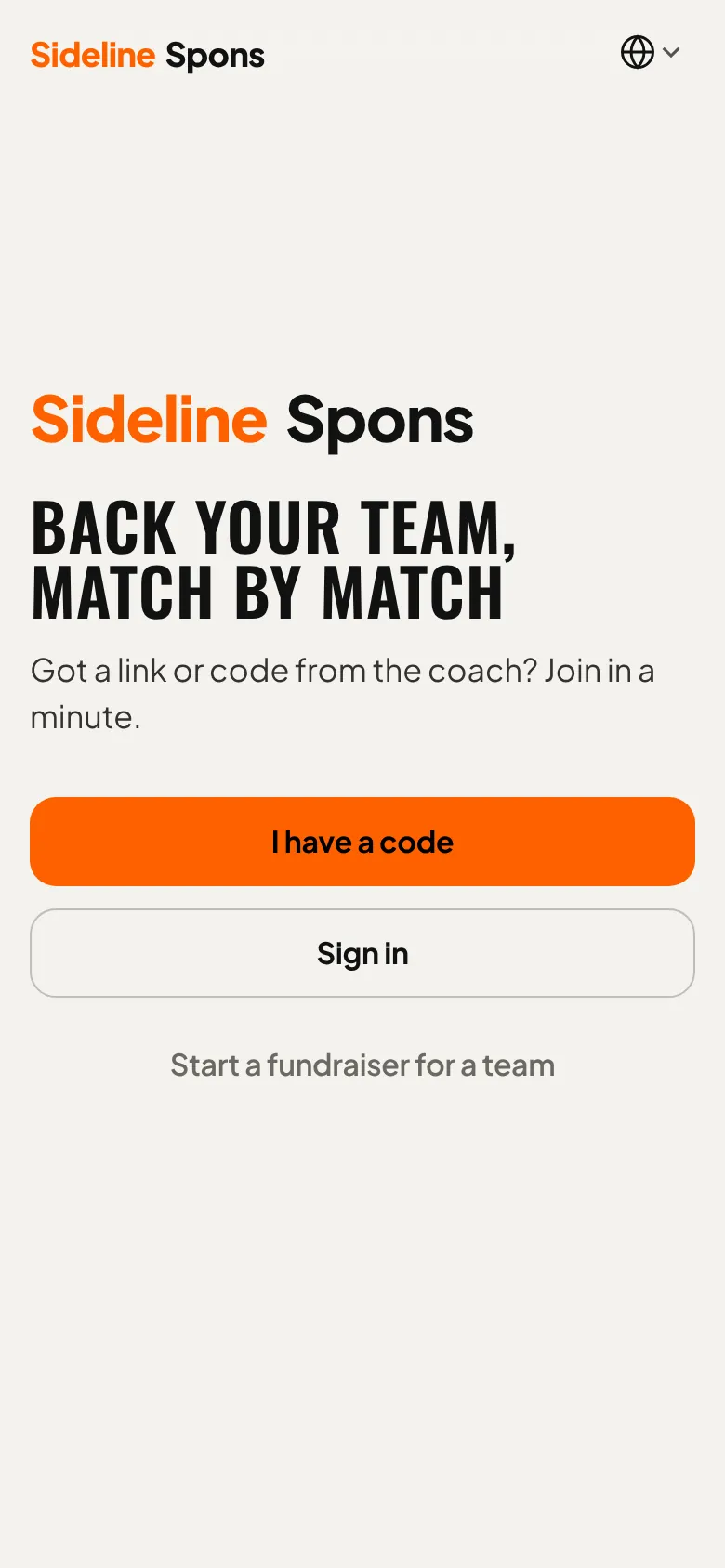
- 2
Create an account
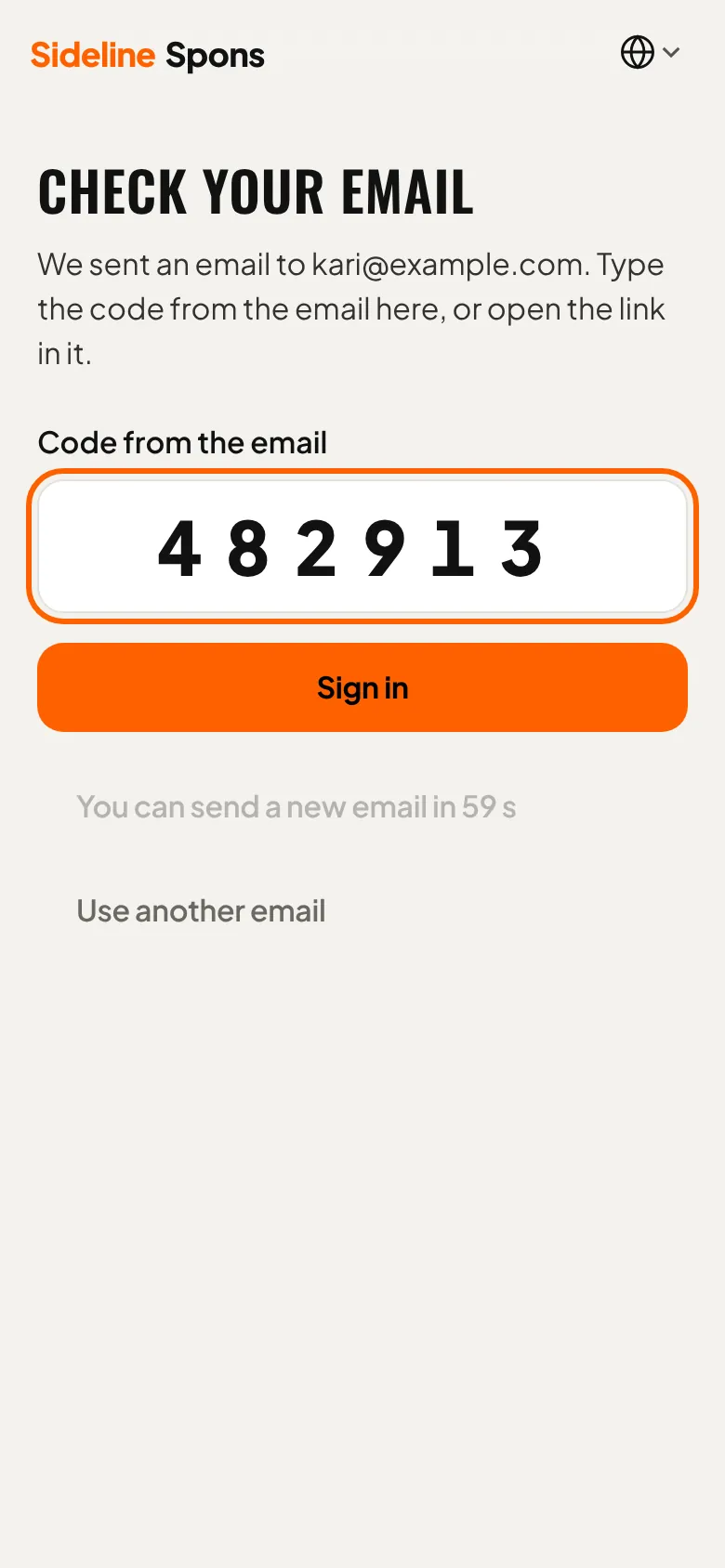
Enter your email address. No password needed: you get a code by email.

- 3
Confirm with the code
Enter the six-digit code from the email. Your account is ready.
- 4
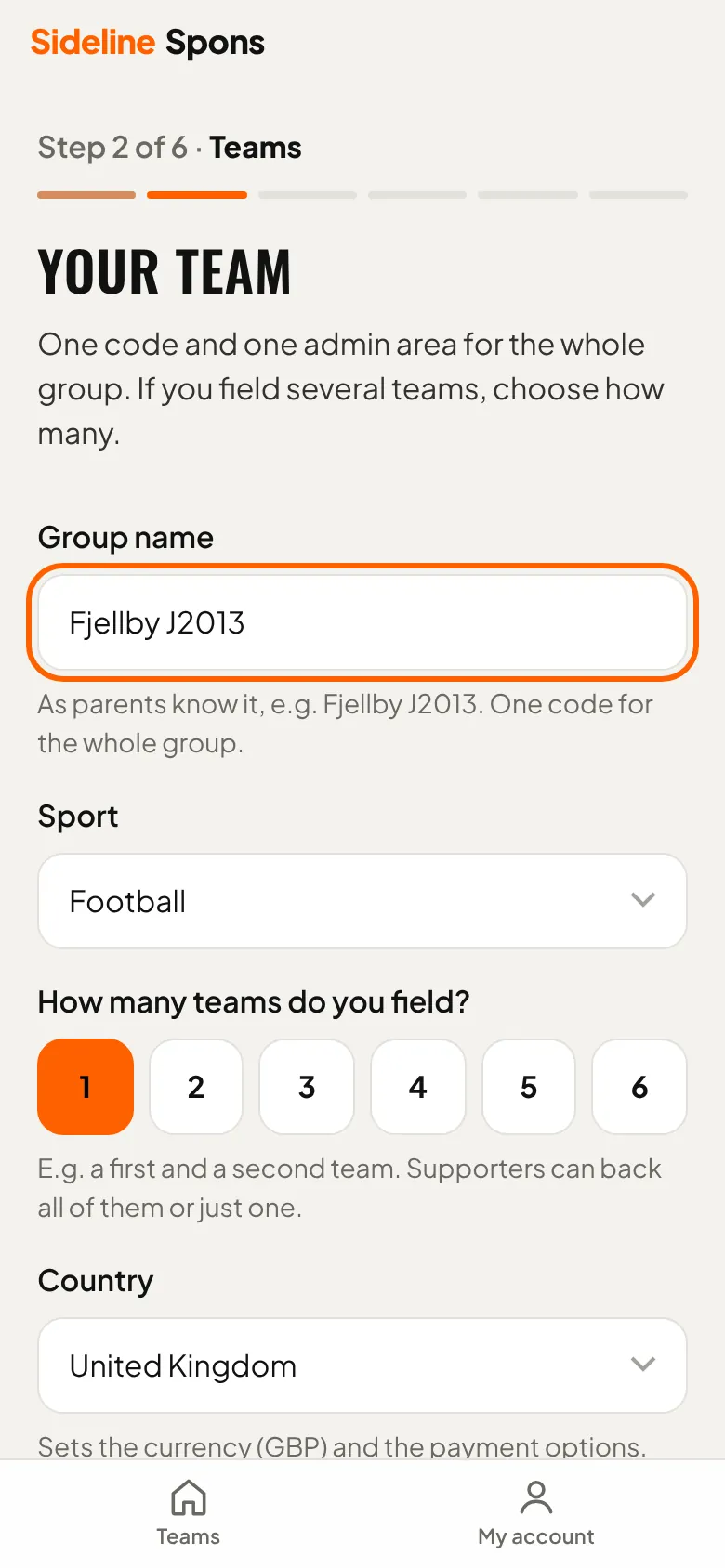
Your team
Name the group, choose the sport and how many teams you field. The country sets the currency and payment options.
- 5
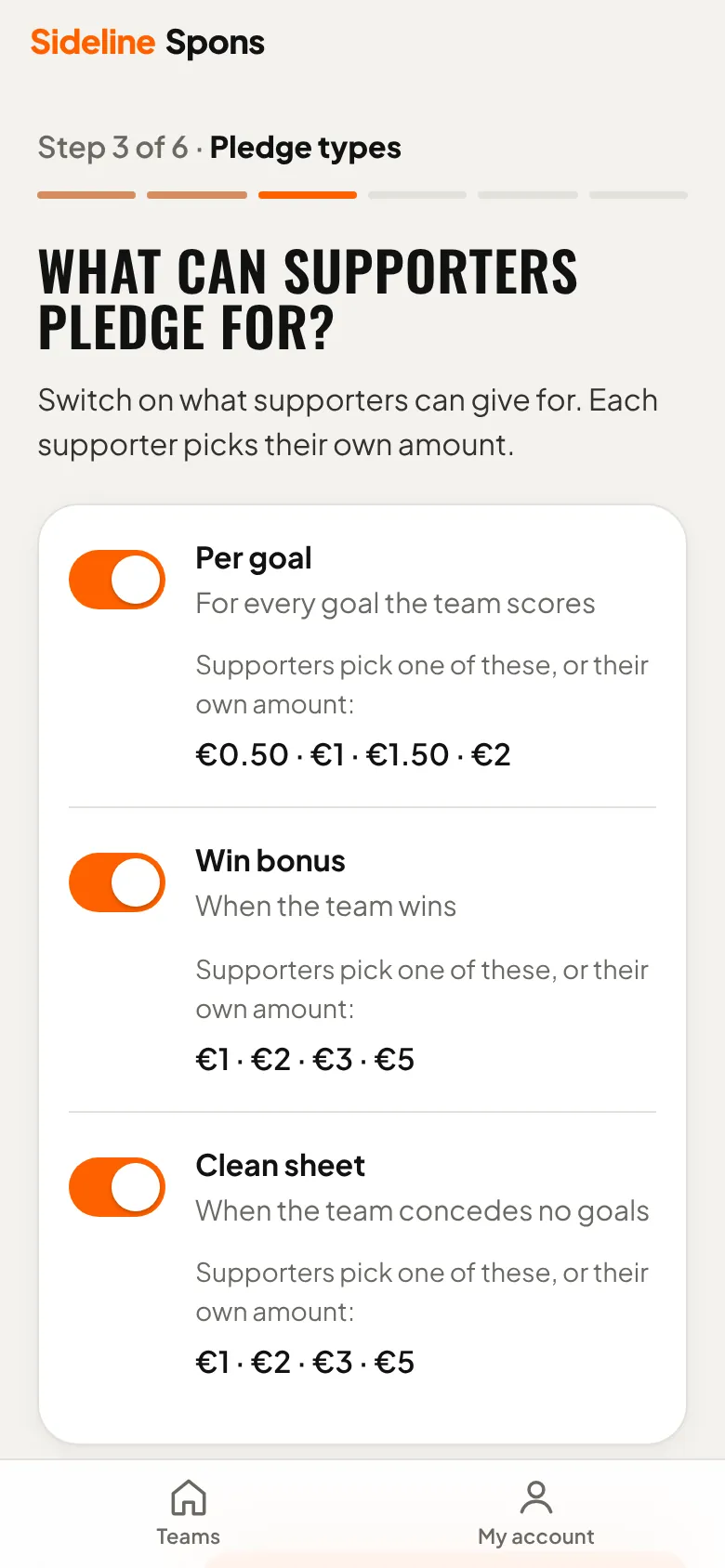
What can supporters back?
Turn on goals, wins and clean sheets. Each supporter chooses the amount.
- 6
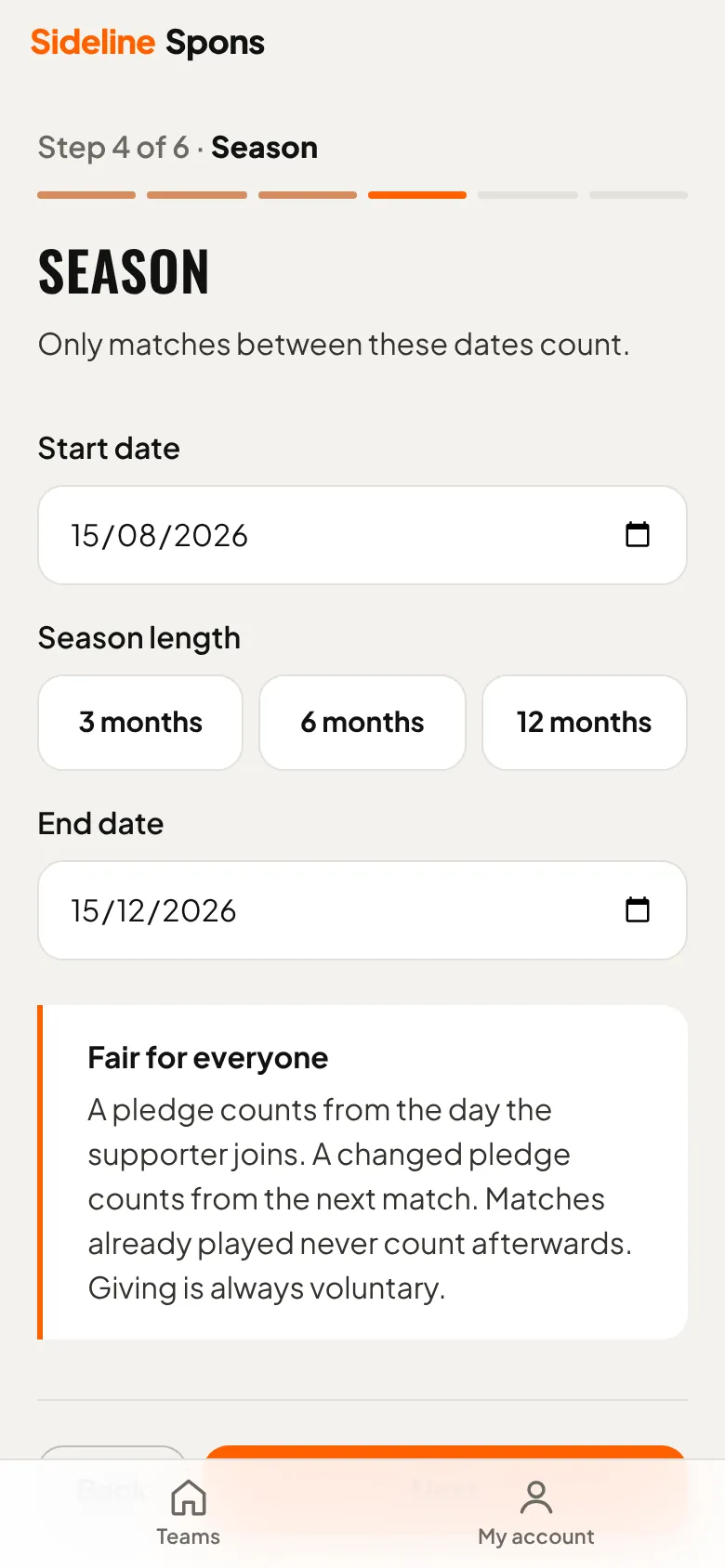
Season
Choose when the season starts and how long it lasts. Only matches in that period count.
- 7
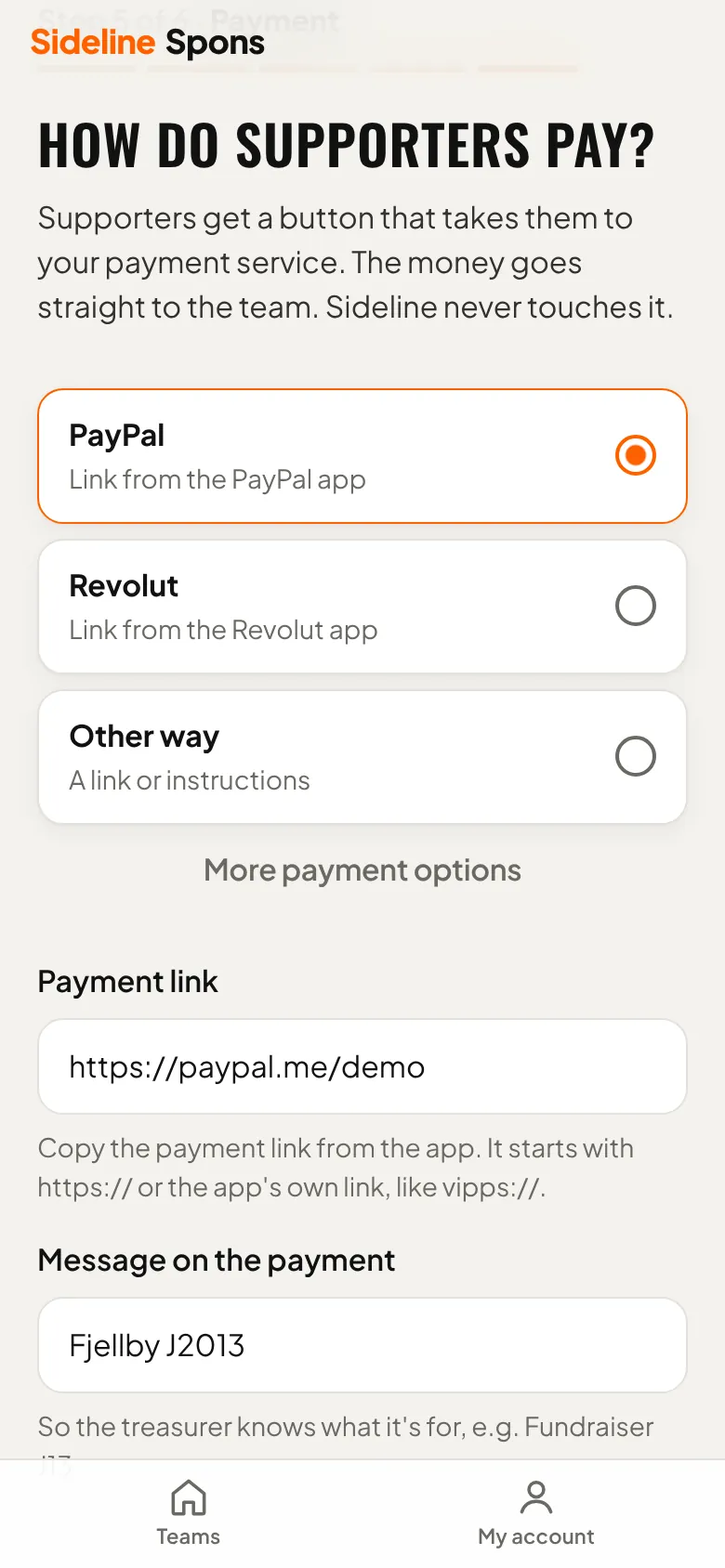
How do supporters pay?
Paste the team's payment link. The money goes straight to the team, never through Sideline.
- 8
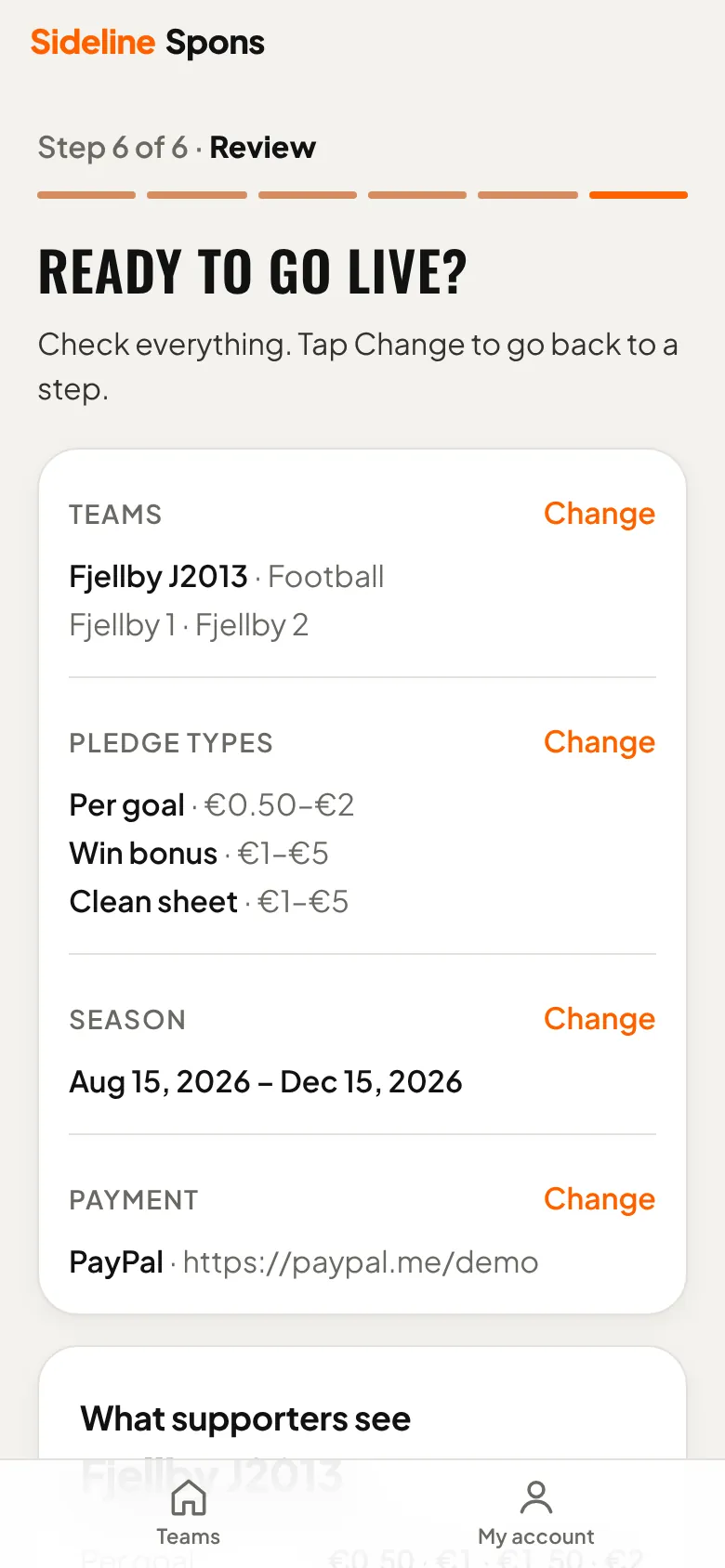
Go live
Check the summary and tap “Create team”. The trial starts.
- 9
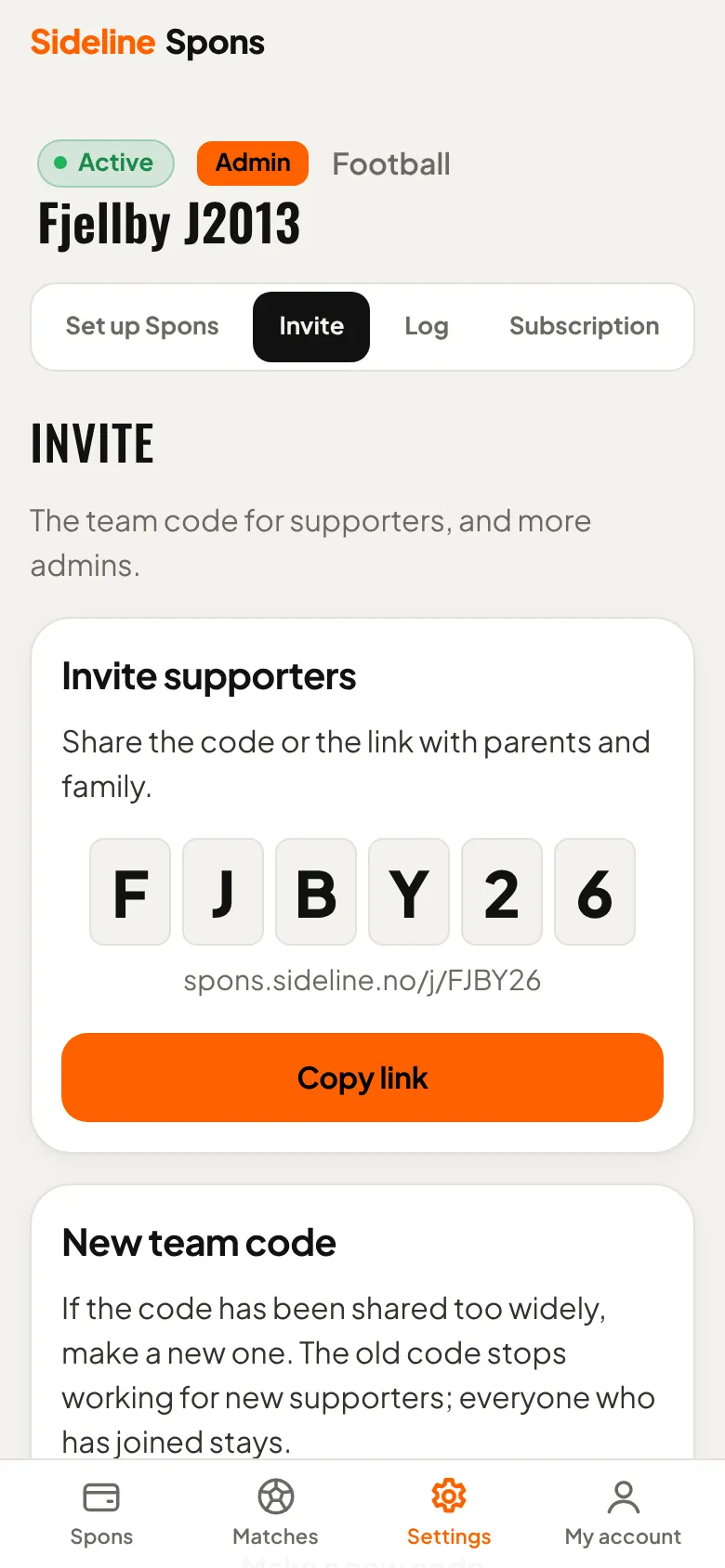
Invite supporters
Share the team code or the link with parents and family, for example in the team chat.
Need help?
Ask us about setup, payments or anything else. We answer by email.
support@sideline.no