‹ Get started
For supporters
Join a Spons
Got a code or link from the coach? Here's how to get going.
- 1
Code or link
The coach shares a link or a six-character code. Download the app and tap “I have a code”, or tap the link.

 Or use spons.sideline.no in your browser.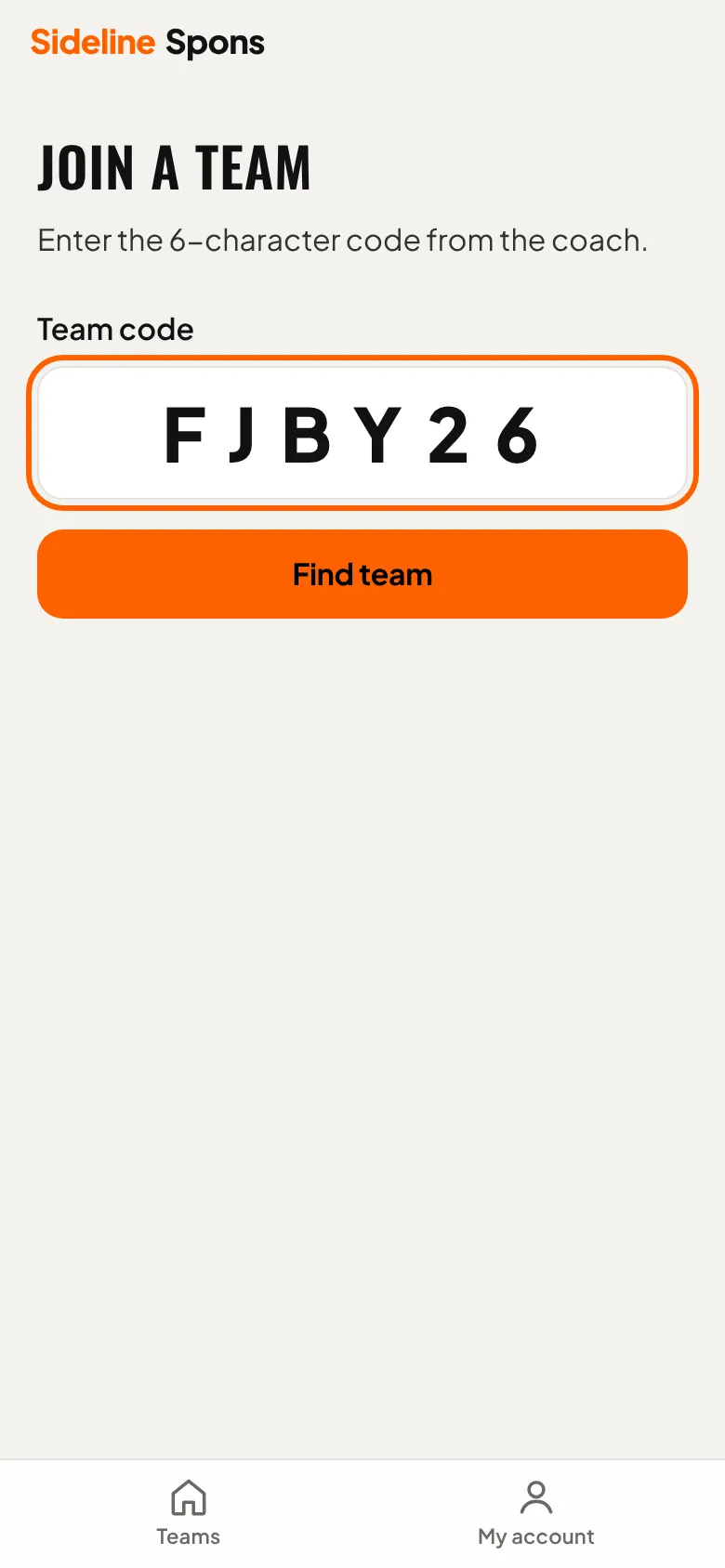
- 2
Create an account
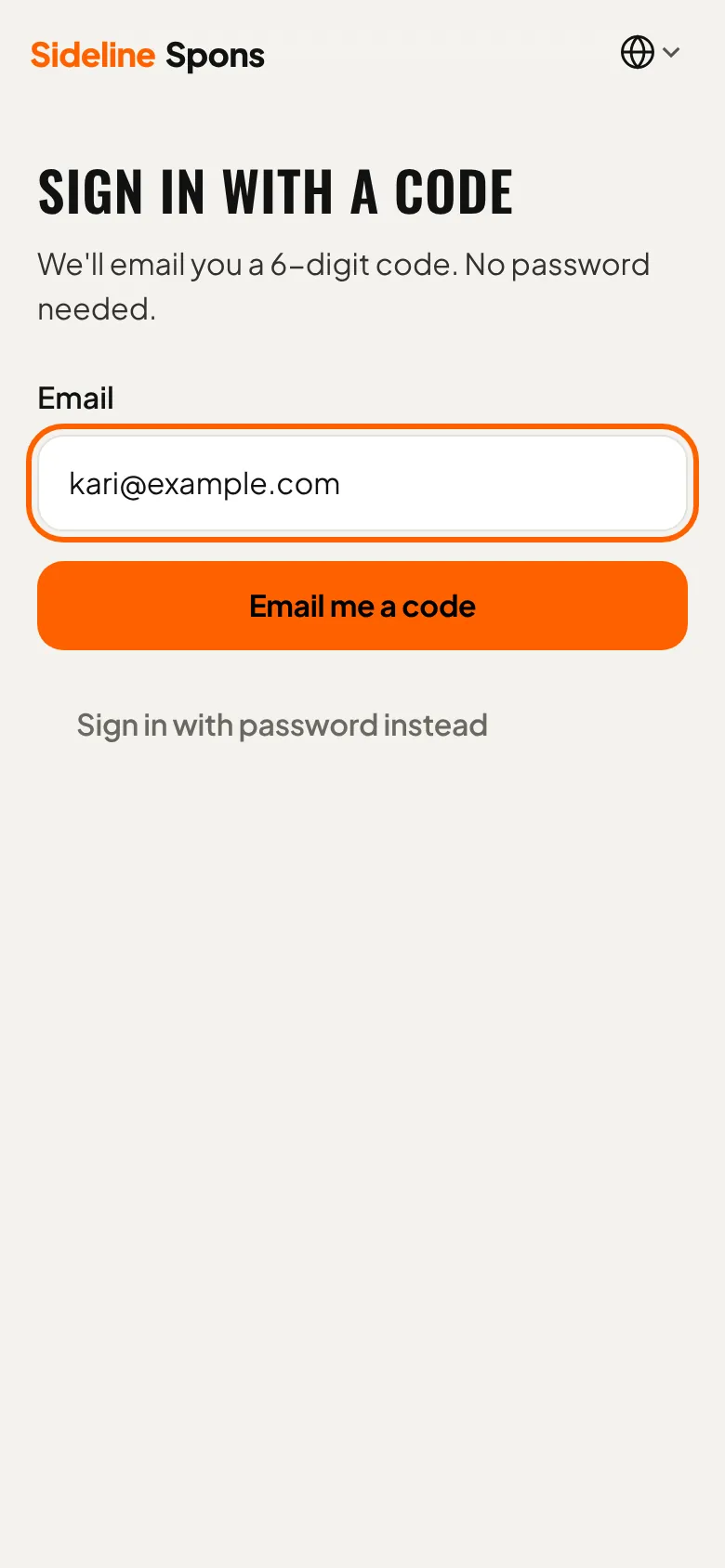
Enter your email address. No password: you get a code.
- 3
Code from the email
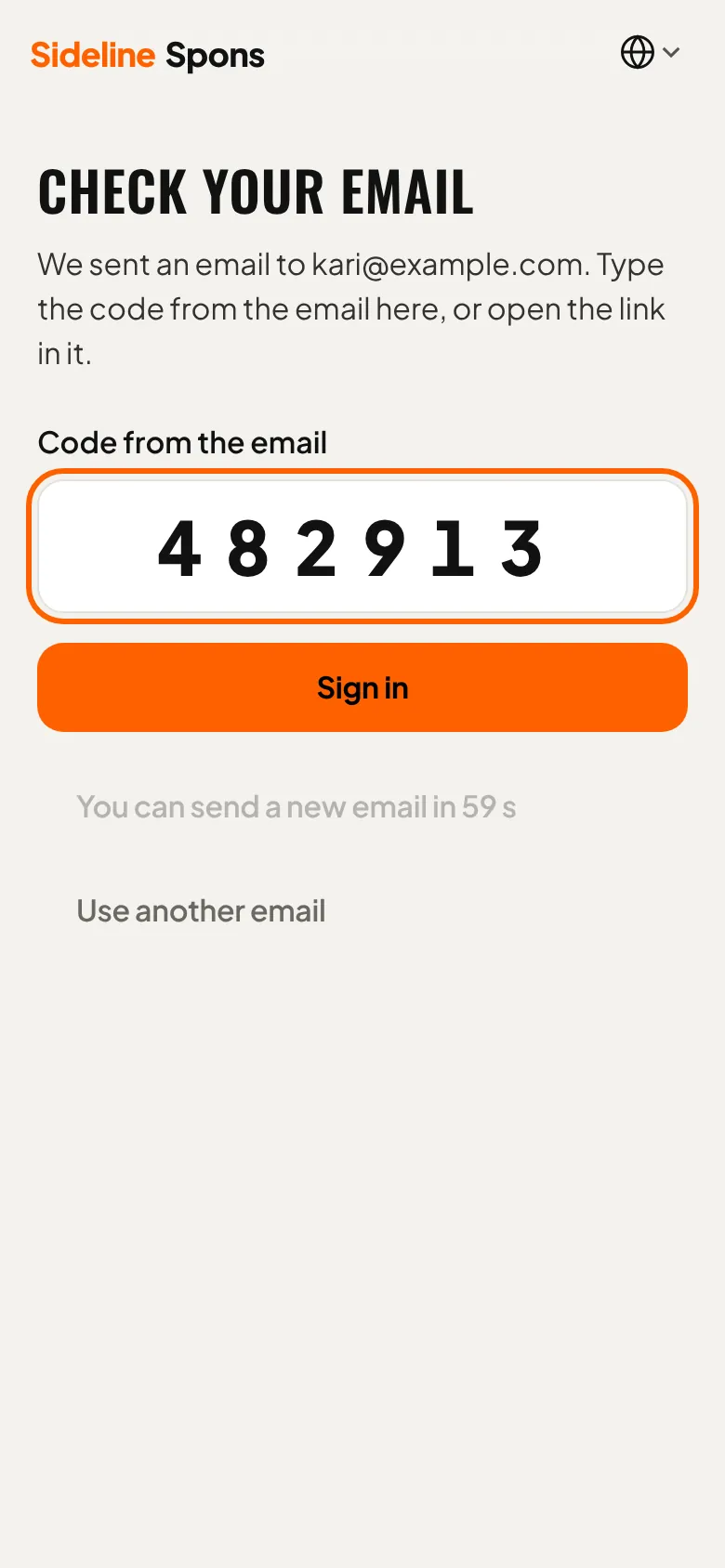
Enter the code from the email to sign in.
- 4
Join
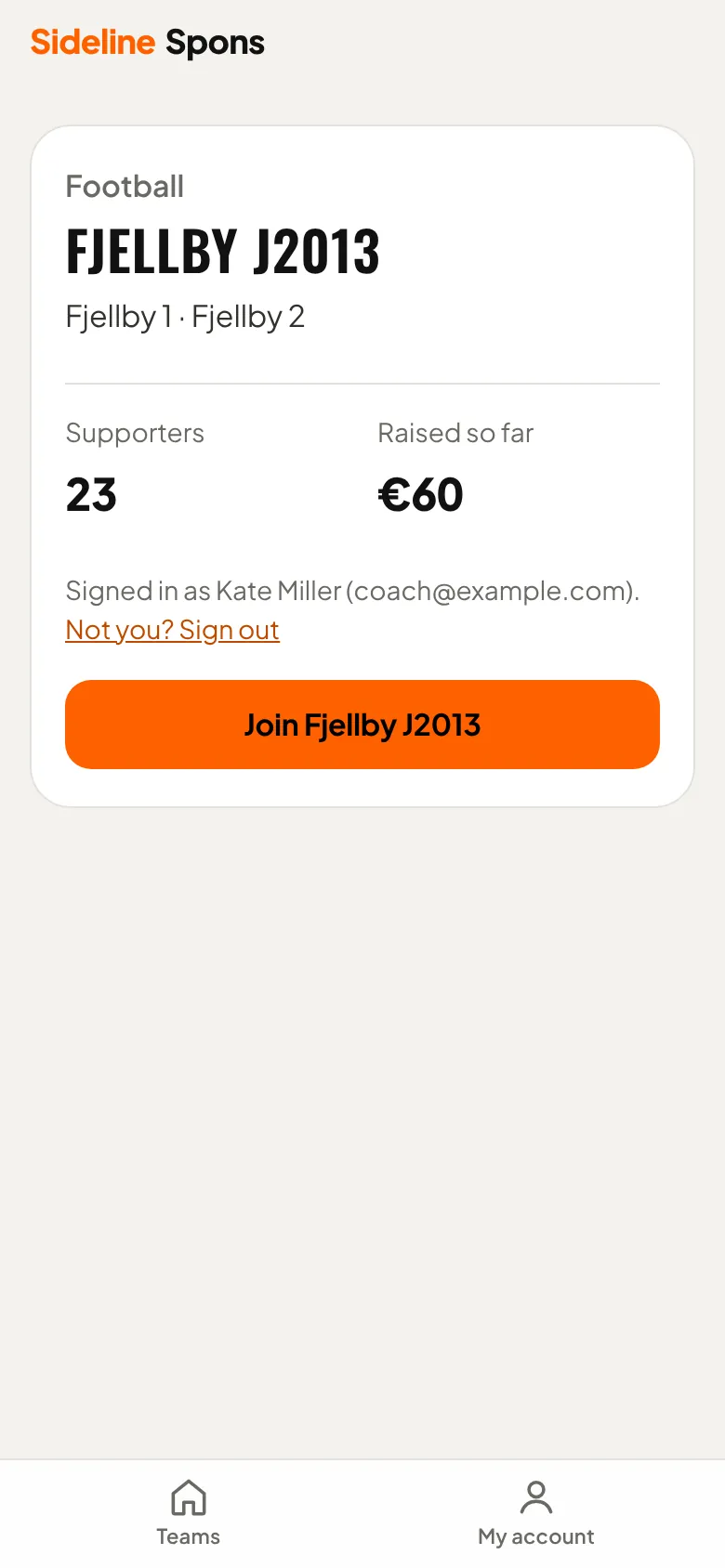
You see the team and how much supporters have raised. Tap “Join Fjellby J2013”.
- 5
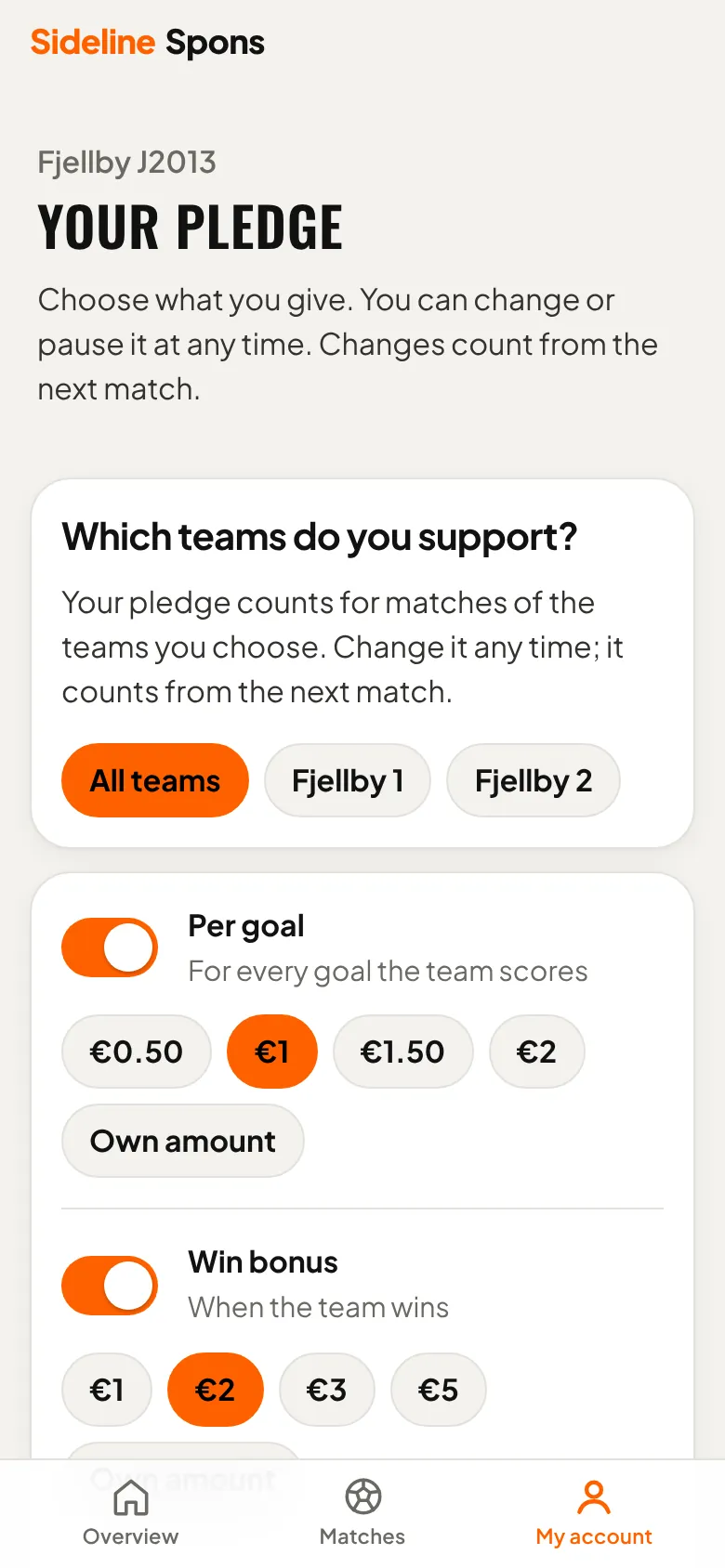
Choose your pledge
Choose an amount per goal, per win or per clean sheet, and a cap per match if you like. Change or pause any time.
Need help?
Ask us about setup, payments or anything else. We answer by email.
support@sideline.no