For team managers
Matches and payments
How to add matches, enter results and keep track of payments.
- 1
Add matches
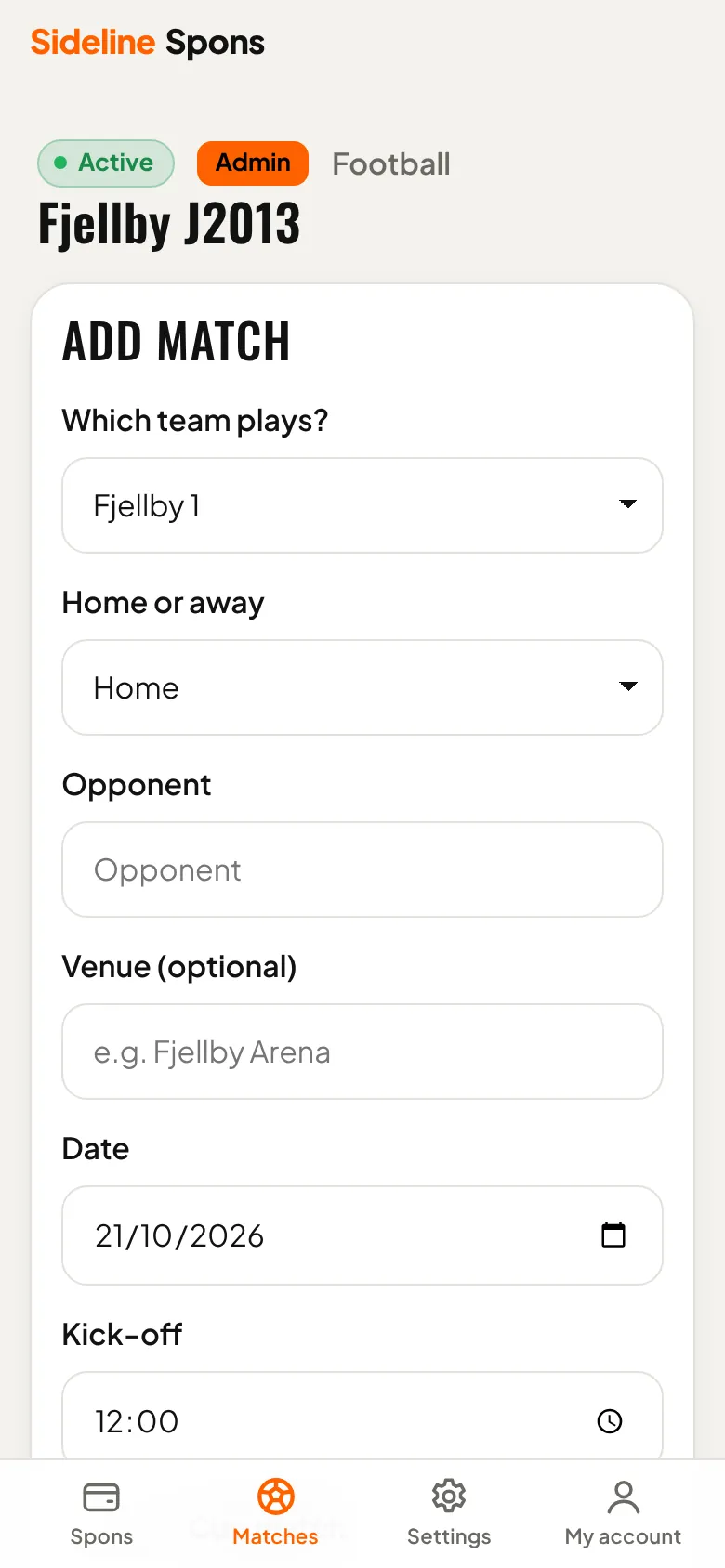
Under Matches, enter the opponent, home or away, date and kick-off. Pick the team if the group has several.
- 2
Enter the result
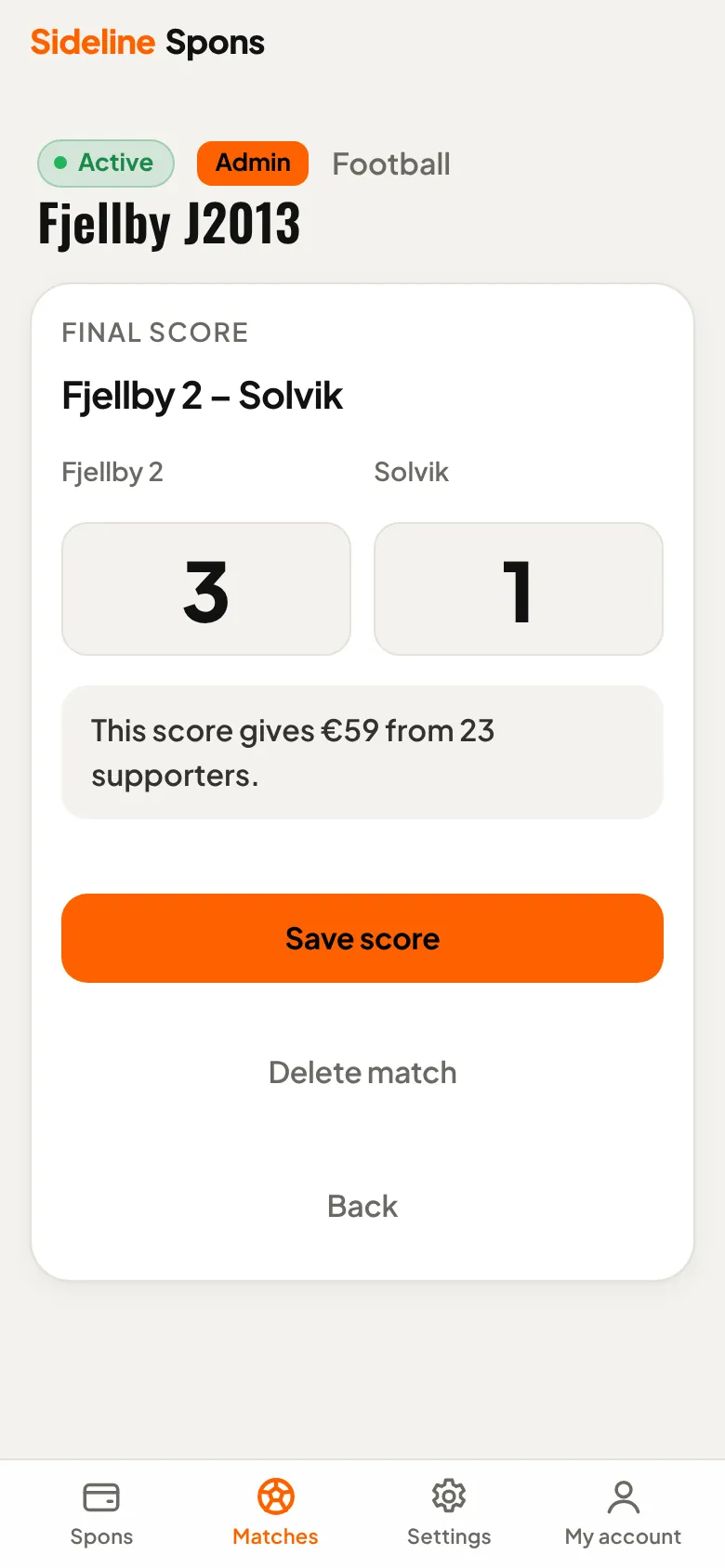
After the match, enter the score. Spons shows what the match raised and tells the supporters.
- 3
How supporters pay
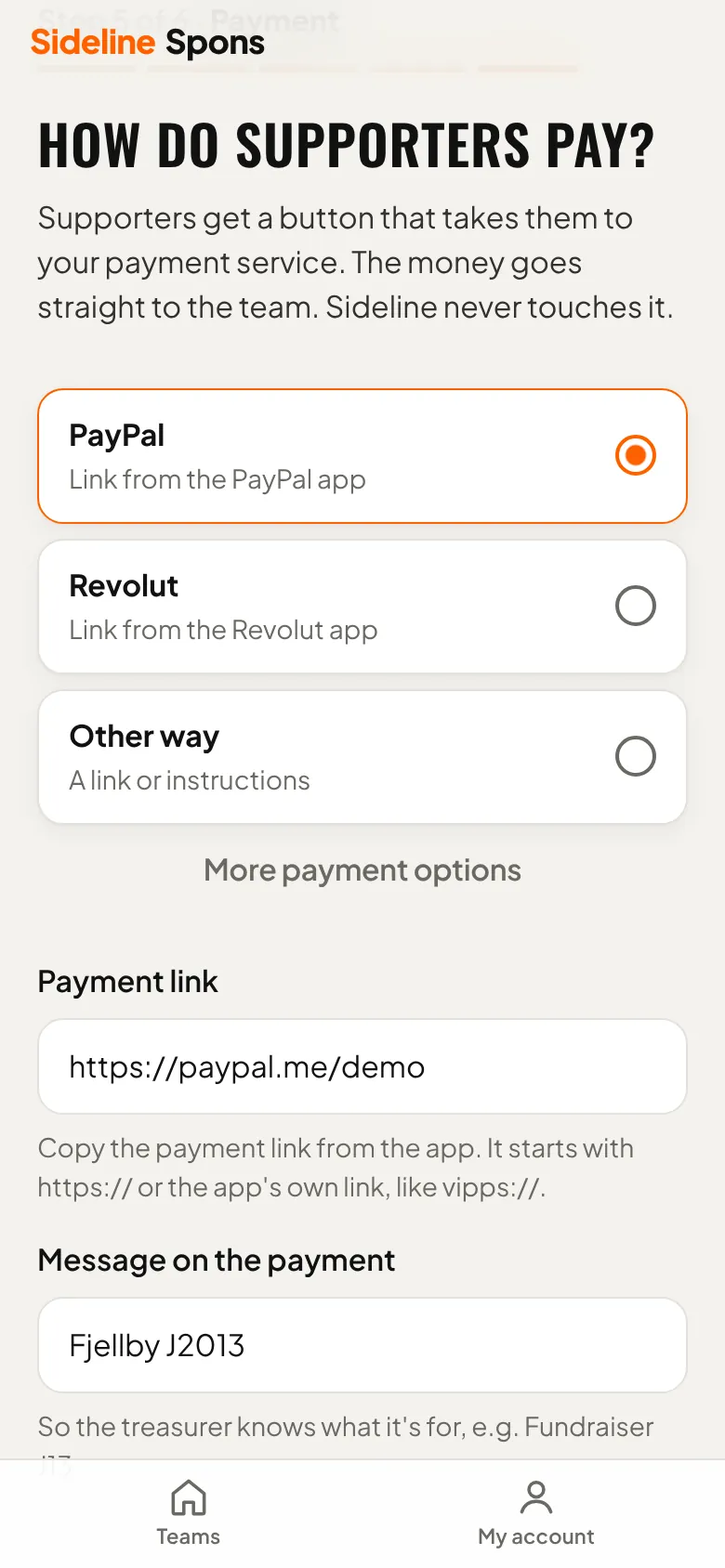
Supporters pay the team directly with the payment link you set up. In Spons the button opens the team's payment app or link, and the supporter pays the amount shown as outstanding.
- Create a payment link for the team in your payment app, for example PayPal.Me, Revolut or Wero.
- Add it under Settings → Set up Spons → How do supporters pay?, with a message such as the team's name.
- The supporter taps "Pay" in Spons and pays the outstanding amount.
- The payment arrives in the team's account. Mark it as paid in Spons.
- 4
Record payments
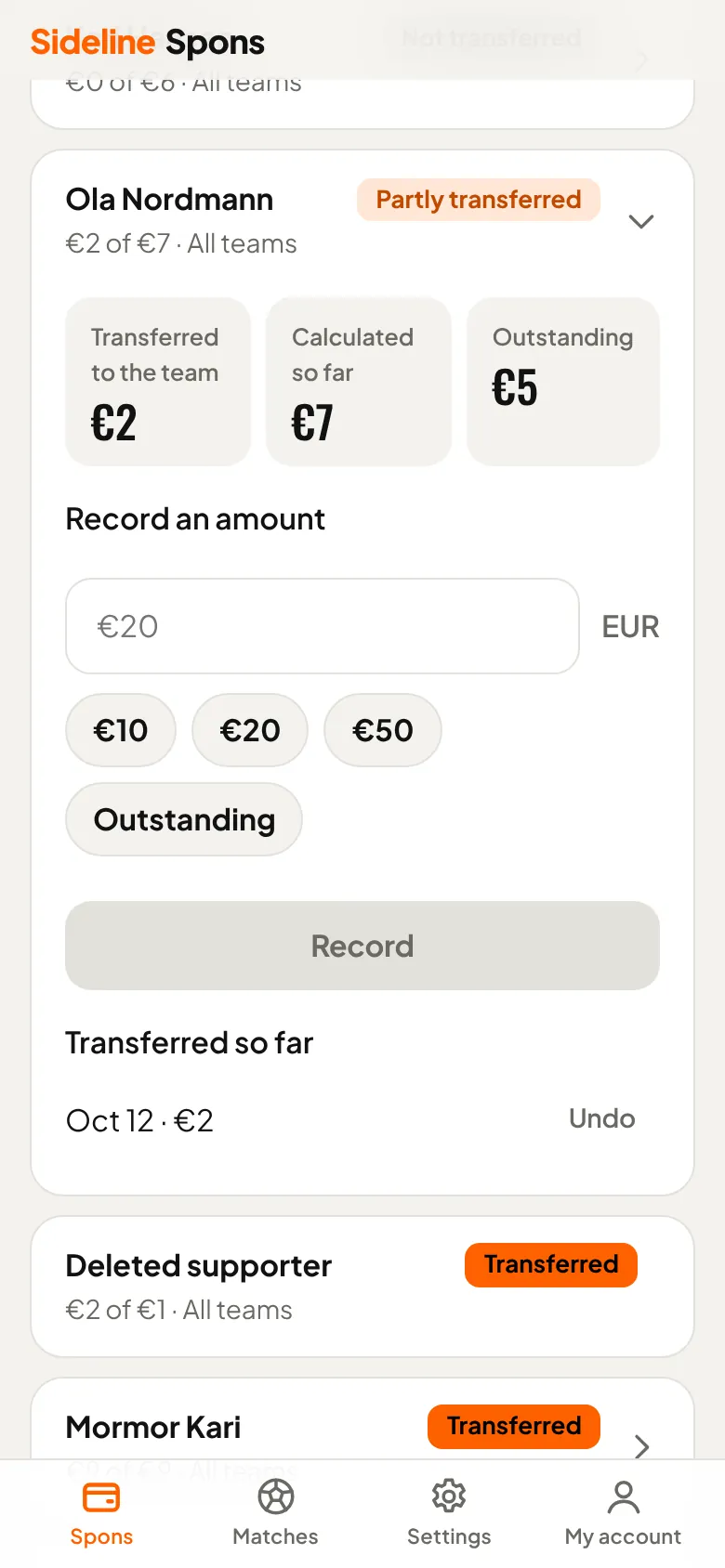
When money arrives in the team's payment app, find the person under Spons and record the amount. “Outstanding” fills in everything still owed.
In the team's payment app
- Ola NordmannFjellby J2013+€2
- Mormor KariFjellby J2013+€9
- Lise BergFjellby J2013+€6
Ola Nordmann paid €2 with the message “Fjellby J2013”. In Spons, tap Ola and record €2.
Need help?
Ask us about setup, payments or anything else. We answer by email.
support@sideline.no